Webflow Icons Guide: Best Ways to Add & Customize Icons in Webflow

Design flexibility is one of the biggest reasons businesses and creators choose Webflow, but when it comes to icons, the platform still has limitations. Many designers working with a webflow developer agency quickly realize that Webflow does not provide a built-in icon library like Framer or other modern design tools. Instead of simply selecting an icon, changing its size, or updating its color instantly, users often have to rely on workarounds.
At first glance, some people think using images as icons is the perfect solution. While technically possible, it creates major problems later. If you upload separate SVG or PNG files for every icon color variation, your workflow becomes messy and difficult to manage. A professional webflow development company usually avoids this approach because it increases design inconsistencies and slows down updates across the website.
Why Using Images for Icons Is Not Ideal
Many beginners export icons as SVG files and drag them directly into Webflow. This works visually, but it removes flexibility. Imagine having a button with a white icon on one section, a black icon in another section, and a blue icon somewhere else. You would need multiple versions of the same icon just to match different styles.
This becomes even more frustrating when scaling a project or maintaining a design system. Businesses offering Webflow website development services often need reusable UI components that can adapt instantly without manually replacing icon files every time the brand colors change.
A Better Solution: Using SVG Code Embeds
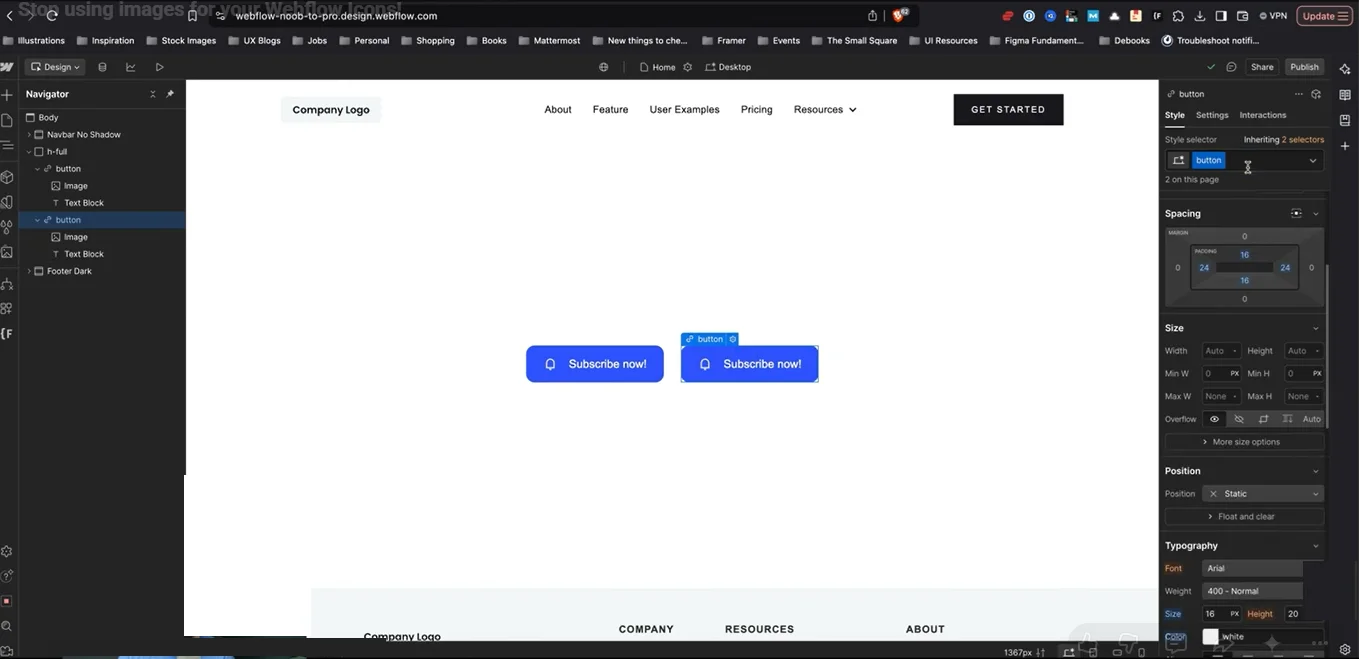
One of the easiest and most flexible methods is embedding SVG code directly into Webflow using the Embed element. Instead of uploading a static image, designers can copy SVG code from icon libraries and paste it into the project.
This method provides several advantages:
- Icons become scalable
- Colors can inherit automatically from CSS
- Sizes remain easy to control
- Alignment works better across buttons and layouts
- Updating icons becomes much faster
Because SVGs respond to styling rules, designers can create buttons with different variants while keeping the same icon structure.
Using Webflow Apps and Icon Plugins
Another popular approach is using Webflow apps like Icon Drop or external icon libraries such as Ionicons or Feather Icons. These plugins simplify the process by allowing users to insert icons directly into projects without manually editing SVG code.
This approach saves time and improves consistency across large websites. It is especially useful for teams building reusable UI systems or client projects that require frequent updates.
The Most Flexible Method: Icon Fonts
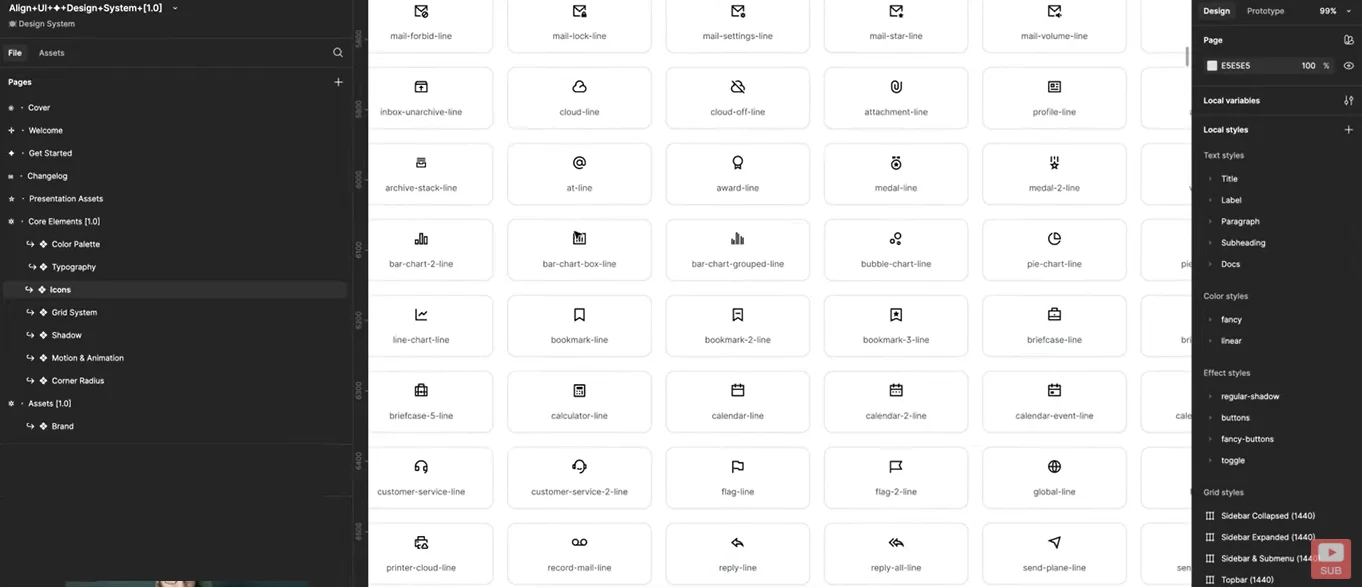
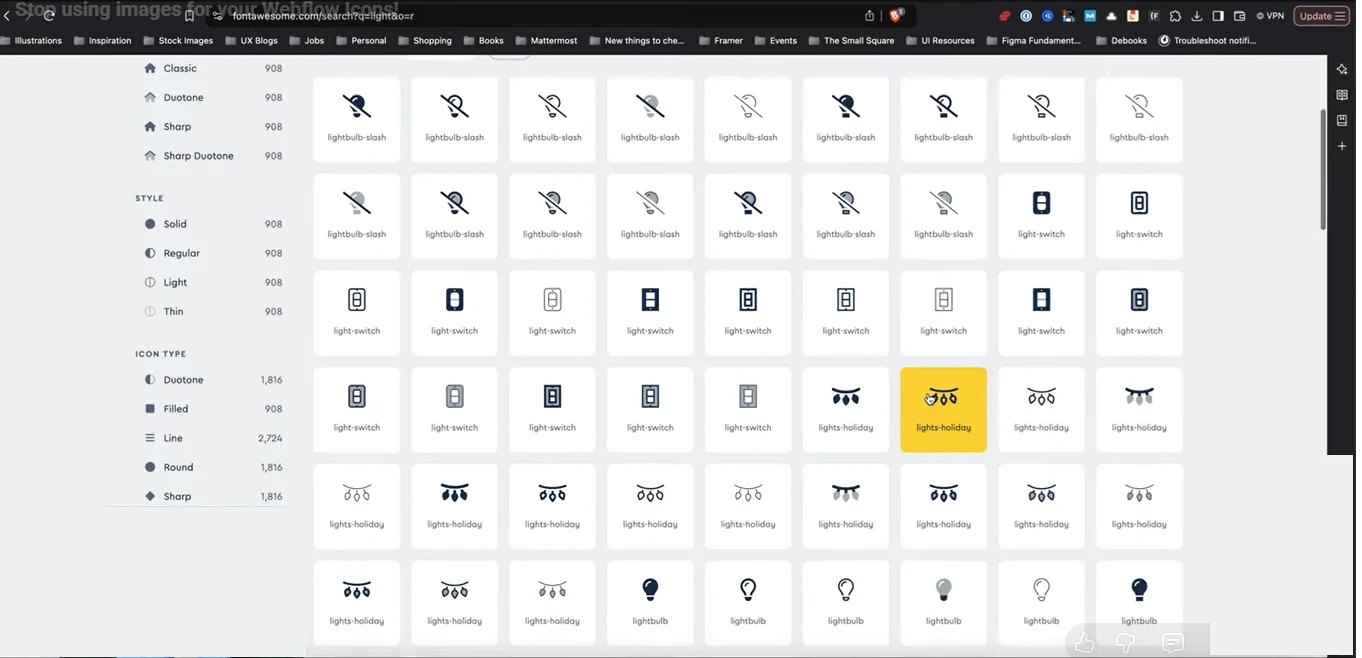
For advanced customization, many designers prefer icon fonts like Font Awesome. Instead of relying on image files or embedded SVGs, icon fonts work similarly to text characters. Designers can change the icon size, weight, and color directly through typography settings.
This method is often preferred by affordable Webflow developers because it makes reusable components significantly easier to manage. Once a button component is created, the icon can be swapped instantly by changing a glyph value instead of replacing files manually.
Why Components and Variants Matter
Webflow Components unlock even more possibilities when combined with icon fonts. Designers can create button systems with:
- Left icons
- Right icons
- Toggle visibility options
- Multiple button styles
- Variant switching
For example, a single button component can support both primary and secondary styles without rebuilding layouts. This creates a cleaner workflow and saves development time.
Unlike static image icons, component-based icon systems allow websites to scale more efficiently while maintaining consistent branding.
Is Webflow Good Enough for Modern Design Systems?
The real issue is not whether Webflow supports icons — it does. The challenge is that the workflow is less intuitive compared to platforms like Framer. Designers who build advanced interfaces often need scalable systems where icons can dynamically inherit colors, spacing, and typography styles.
That raises an important question: is webflow suited for design teams? The answer depends on the workflow. For teams that rely heavily on reusable design systems and rapid UI iteration, using SVG embeds or icon fonts is often essential to maintain flexibility.
Final Thoughts
Webflow remains one of the most powerful no-code website builders available today, but its icon workflow still requires more effort than on some competing platforms. Designers who understand SVG embeds, icon libraries, and component systems can create far more scalable and maintainable websites without relying on static image assets.
For brands looking to build modern, conversion-focused Webflow experiences, partnering with The Small Square can help streamline design systems, improve scalability, and create more professional user experiences through smarter Webflow development practices.



Accepted Payments

