How Micro-Interactions Improve Website Engagement
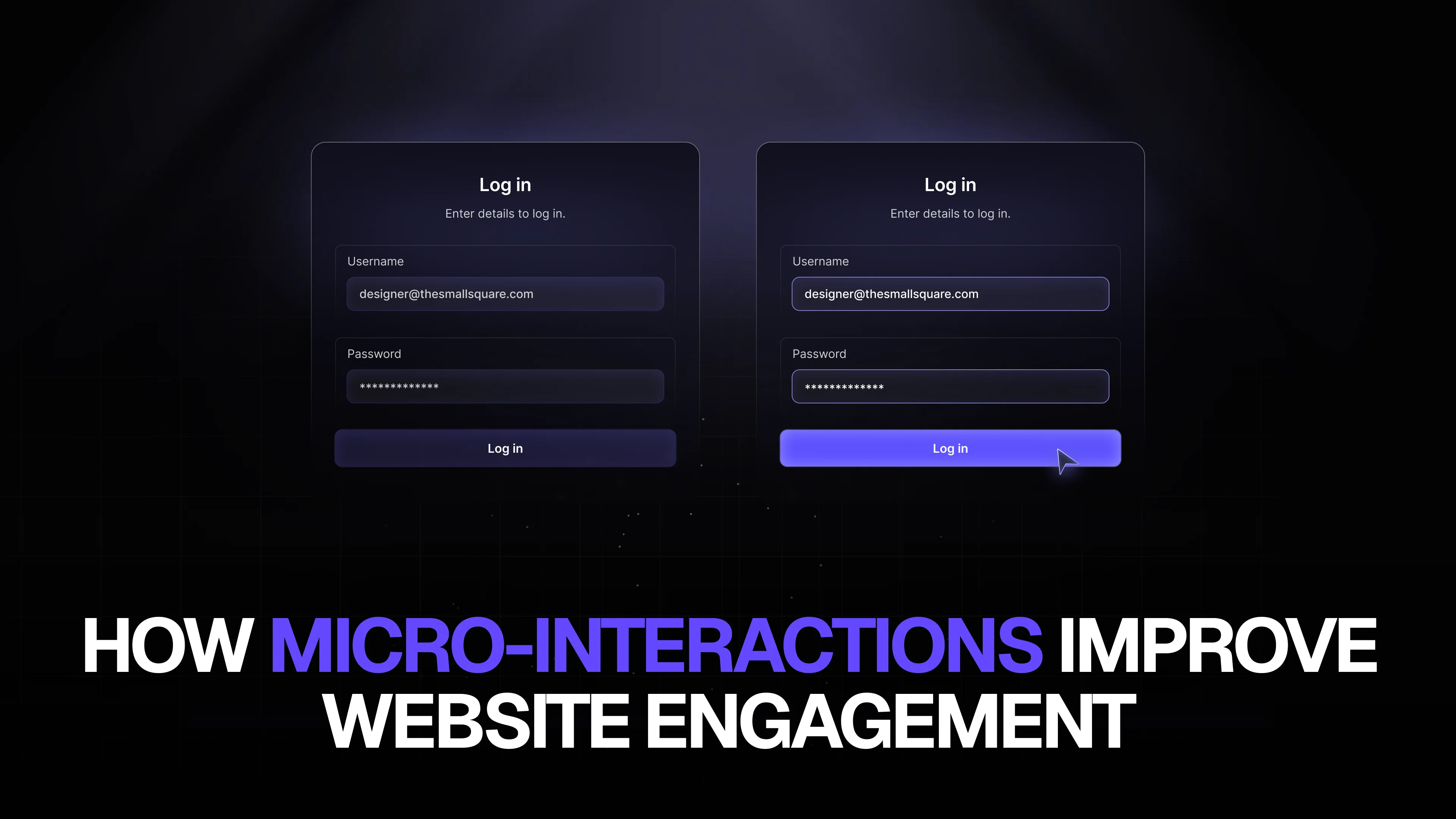
In the world of digital design, it’s often the smallest details that make the biggest difference. Micro-interactions—subtle animations or responses to user actions—might seem minor, but they play a critical role in enhancing website engagement, improving user experience, and increasing conversions. From SaaS dashboards to mobile apps, implementing thoughtful micro-interactions can transform an ordinary product into an intuitive, delightful experience.
What Are Micro-Interactions?
Micro-interactions are brief, subtle animations or visual feedback that respond to user actions. Examples include a button changing color when clicked, a loading animation, a notification popping up, or an input field highlighting when filled incorrectly. While these elements are small, they provide users with critical feedback about the system’s behavior, making interfaces feel alive, responsive, and trustworthy.
For startups and SaaS companies, micro-interactions are more than aesthetic enhancements—they are functional design elements that guide users, reduce friction, and increase engagement. When designed effectively, they help users navigate complex interfaces, understand actions, and build confidence in the platform.
Why Micro-Interactions Boost Engagement
- Provide Feedback
Users need to know that their actions have been recognized. Without feedback, clicking a button or submitting a form may feel uncertain. Micro-interactions reassure users that the system has responded, reducing frustration and encouraging continued interaction. - Enhance User Experience
A well-designed website or app isn’t just about usability; it’s about delight. Subtle animations and interactive cues make the interface feel more intuitive and enjoyable, increasing the likelihood that users will spend more time exploring your product. - Guide User Behavior
Micro-interactions can direct attention to important actions, features, or notifications. For example, a small animation drawing attention to a “Subscribe” button or a tooltip explaining a new feature helps guide users without overwhelming them. - Make Interfaces Feel Modern and Professional
Modern web and app users expect sleek, responsive designs. Platforms with polished micro-interactions communicate credibility and professionalism, building trust with users. This is especially important for startups and SaaS products looking to make a strong first impression.
Examples of Effective Micro-Interactions
- Button Hover Effects – A simple color change or animation signals clickability.
- Loading Animations – Engaging loading screens reduce perceived waiting time.
- Form Field Feedback – Highlighting completed fields or showing error messages improves usability.
- Notification Animations – Subtle notifications keep users informed without being intrusive.
- Scroll Animations – Animated content reveals guide attention and improve storytelling on landing pages.
Each of these small design elements contributes to a smoother user journey, turning friction into engagement and improving overall satisfaction.
Micro-Interactions in SaaS Products
For SaaS dashboards and complex web applications, micro-interactions are even more crucial. Users often deal with multiple screens, reports, and tools. Subtle animations and real-time feedback can reduce cognitive load, making tasks feel effortless. For instance, a dashboard that highlights updated data, or a button animation confirming a successful action, can save users time and prevent errors.
Micro-interactions also support user retention. SaaS products with engaging, intuitive experiences keep users coming back, while clunky interfaces increase churn. By integrating micro-interactions, startups can build loyalty and turn first-time users into long-term advocates.
Best Practices for Designing Micro-Interactions
- Keep It Subtle – Overly flashy animations can distract users. Focus on enhancing usability rather than showing off.
- Make It Meaningful – Every interaction should serve a purpose, whether guiding users, providing feedback, or enhancing storytelling.
- Maintain Consistency – Use the same animation styles and timings throughout the interface to avoid confusion.
- Test With Users – Even small animations can impact usability. Test micro-interactions to ensure they improve the experience rather than hinder it.
Using modern design tools and frameworks, these micro-interactions can be implemented quickly and efficiently, without slowing down development or increasing costs significantly.
The Role of Professional UX/UI Design
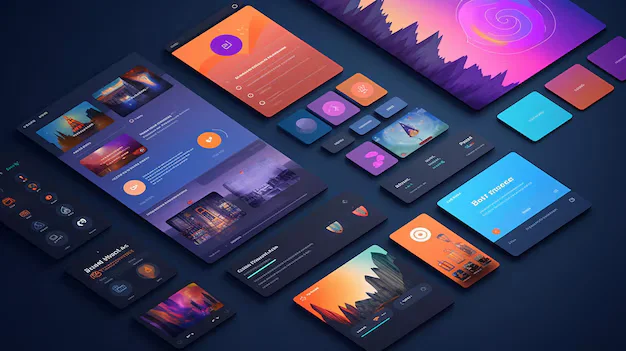
Micro-interactions are just one part of creating a high-performing, engaging website or app. Professional UX/UI design considers the overall flow, responsiveness, and brand experience alongside micro-interactions. When done correctly, the combination of clean layouts, intuitive navigation, and subtle animations results in a product that feels polished, reliable, and delightful to use.
For startups and small businesses, outsourcing design and development to expert teams allows access to cutting-edge micro-interaction techniques, responsive web and app interfaces, and cohesive branding guidelines. This ensures your product isn’t just functional, but also visually compelling and memorable.
Conclusion
In the competitive digital landscape, micro-interactions are more than just decorative animations—they are essential tools for improving website engagement and user satisfaction. By providing feedback, guiding users, and creating delightful experiences, micro-interactions can dramatically enhance usability and retention. For startups, SaaS products, and growing businesses aiming to make a strong impact, investing in expert UX/UI design and development is crucial.
For a comprehensive approach to design that includes intuitive micro-interactions, responsive web and app development, and cohesive branding, trust The Small Square to elevate your digital product and create an experience that users love.



Accepted Payments

