How to Build a SaaS Landing Page That Converts Without Custom Code
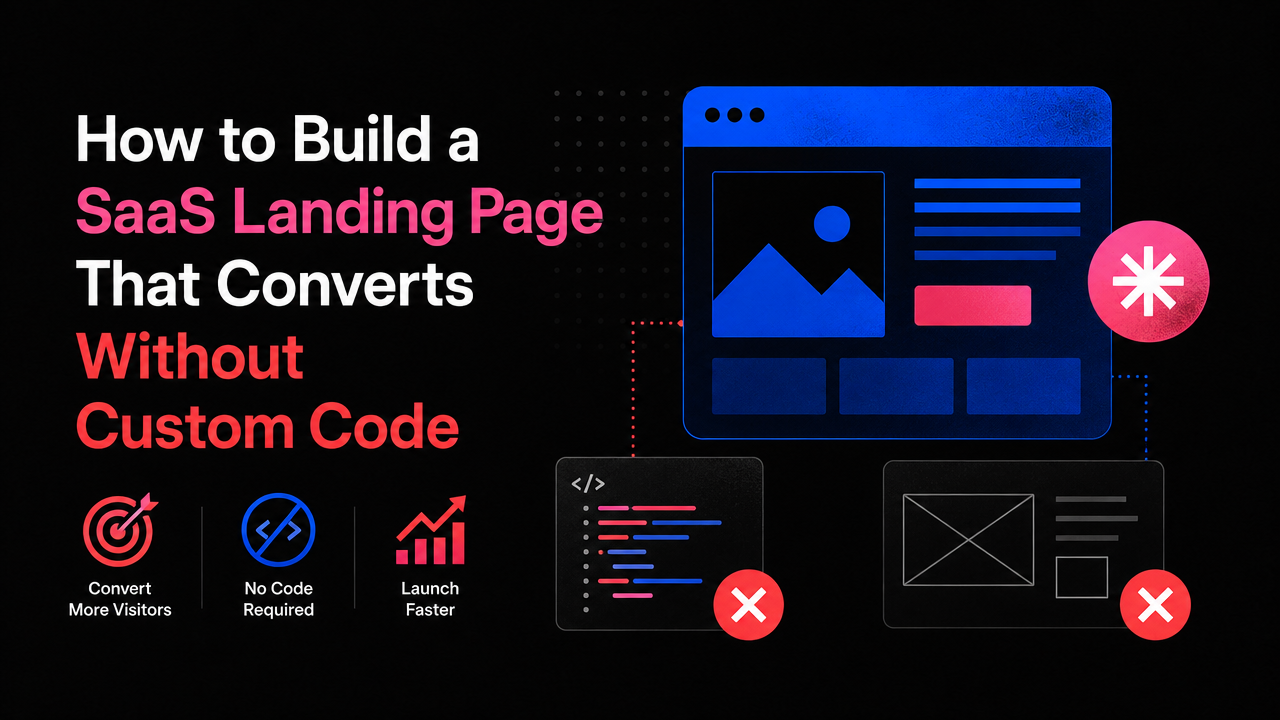
The landing page is your first product demo—and most SaaS founders get it wrong.
They either spend months building a pixel-perfect page with a full development team, or they slap together something generic in Webflow that looks like every other SaaS site. Neither approach moves the needle. The first burns cash before you've validated anything; the second leaks visitors because it doesn't communicate what makes your product actually different.
The real problem isn't the tool. It's that most founders treat the landing page as a marketing asset separate from the product itself. A high-converting landing page is a product design problem, not a copywriting problem. It needs to show your actual value proposition—the specific job your product does—in a way that makes early adopters say, "Yes, that's exactly what I've been looking for."
What a Conversion-First Landing Page Actually Does
A landing page that converts does three things in quick succession: it acknowledges the specific pain point your ideal customer has, it shows exactly how your product solves that pain (not just claims about it), and it removes friction from the next step (the free trial, demo request, or sign-up).
Most SaaS landing pages skip the second part. They'll say "Save time" or "Increase efficiency," but they never show the mechanism. They never show the user what the product actually *does* or what it *looks like* to use it. That gap is where conversions die.
The difference between a page that converts and one that doesn't often comes down to specificity. Generic benefits sound like every other SaaS site. Specific outcomes—"Reduce your dashboard load time from 8 seconds to under 2" or "Stop manually syncing data between three separate tools"—immediately resonate with someone who has that exact problem.
No-Code Tools Make Fast Iteration Possible
Building a landing page with traditional custom code means waiting for a developer, revising copy, waiting again, and shipping weeks later. By that time, you're guessing whether your core message works instead of testing it.
A Webflow website development company or platform like Webflow itself lets you design, copy, and iterate in real time. You can test two headlines side by side without touching code. You can rearrange a hero section, add a video embed, or change a call-to-action button color instantly. That speed matters because landing pages are never perfect on the first draft—they're learned through iteration.
The practical advantage: in the same time it takes a custom developer to build and ship one version, you can ship five. Each version teaches you something about what resonates with your ICP. That compressed feedback loop is where the real conversion gains hide.
The Mechanics of a Landing Page That Actually Sells
A strong landing page typically follows this structure:
- Hero Section: A specific, problem-focused headline paired with a screenshot or interactive demo of your product in action. Not "The future of X" or "Reimagine X." Just "Here's the exact problem you have, and here's how it looks solved."
- Social Proof or Credibility: For early-stage SaaS, this might be customers you've shipped with, technical expertise of your team, or a concrete result from a beta user. Real traction signals matter more than aspirational logos.
- Feature Section: Tied directly to the original pain point. Show the feature, explain what it does, and connect it back to the outcome. Not a bullet-point list of capabilities—a narrative of "here's what this solves."
- Call-to-Action: Low friction. "Start free trial" or "Schedule a 15-minute walk-through." Remove decision paralysis by naming exactly what happens next.
Each of these elements is design work—not just copy work. Layout, visual hierarchy, color, typography, and spacing all shape whether a visitor actually reads the message or bounces in five seconds.
Why No-Code Doesn't Mean "Less Professional"
There's a lingering misconception that no-code sites look "simple" or "less polished" than custom-built ones. That's not true anymore. Webflow, Framer, and modern no-code platforms produce pixel-perfect, fast-loading pages that perform identically to custom code from a user's perspective—and often faster, because no-code tools optimize for performance by default.
The real advantage is the tradeoff: you get a professional landing page in weeks, not months, for a fraction of the cost. That means you can invest your budget in the product itself instead of bleeding it on pre-launch marketing infrastructure.
For early-stage SaaS founders with teams under 20 people, that's the difference between staying scrappy and burning out. You need your landing page shipped and live so you can start gathering real user feedback. The longer it takes to launch, the longer you're making product decisions blind.
How to Avoid Common No-Code Landing Page Mistakes
One mistake is treating the landing page as a separate project from your product roadmap. If your landing page promises a feature or integration you haven't built yet, you're setting yourself up for churn. Keep the landing page aligned with what the product actually *is* on day one.
A second mistake is over-designing. Founders often add animations, extra sections, or overly complex layouts because no-code tools make it easy. Simplicity is harder to achieve than complexity, but it converts better. Test ruthlessly—remove every element that doesn't serve the core conversion goal.
A third mistake is not setting up basic analytics. You don't need a full funnel analysis at launch. Just track which section visitors read most, how long they stay, and where they drop off. Those signals tell you what's working and what to test next.
Building for Scale Without Rebuilding
A well-built landing page using custom Framer website development or Webflow stays maintainable as your product grows. You can swap out copy, add new customer logos, update pricing, or feature a new integration without touching a single line of code. When you eventually need a custom saas development services team to build a full product site or knowledge base, you'll have already validated what your core message is—and that clarity compounds.
Early-stage founders often feel pressure to have everything perfect from day one. The reality is the opposite: launch the landing page now with your best-guess message, measure what happens, and iterate fast. Every day you wait for the "perfect" version is a day you're not learning from real visitors.
Conclusion: Ship Your Landing Page Today, Not in Three Months
A high-converting SaaS landing page doesn't require custom code, a big budget, or a massive team. It requires clarity about what problem you solve, specificity about how you solve it, and willingness to test and iterate. No-code tools remove the technical friction that usually stretches a landing page project into months of waiting. That speed is the real competitive advantage for early-stage founders.
The Small Square helps early-stage SaaS teams build landing pages that move the needle—no code, no months of waiting, just a focused page that sells your product by showing it, not just describing it.



Accepted Payments


