How to Align Design and Development When Building a B2B SaaS Product
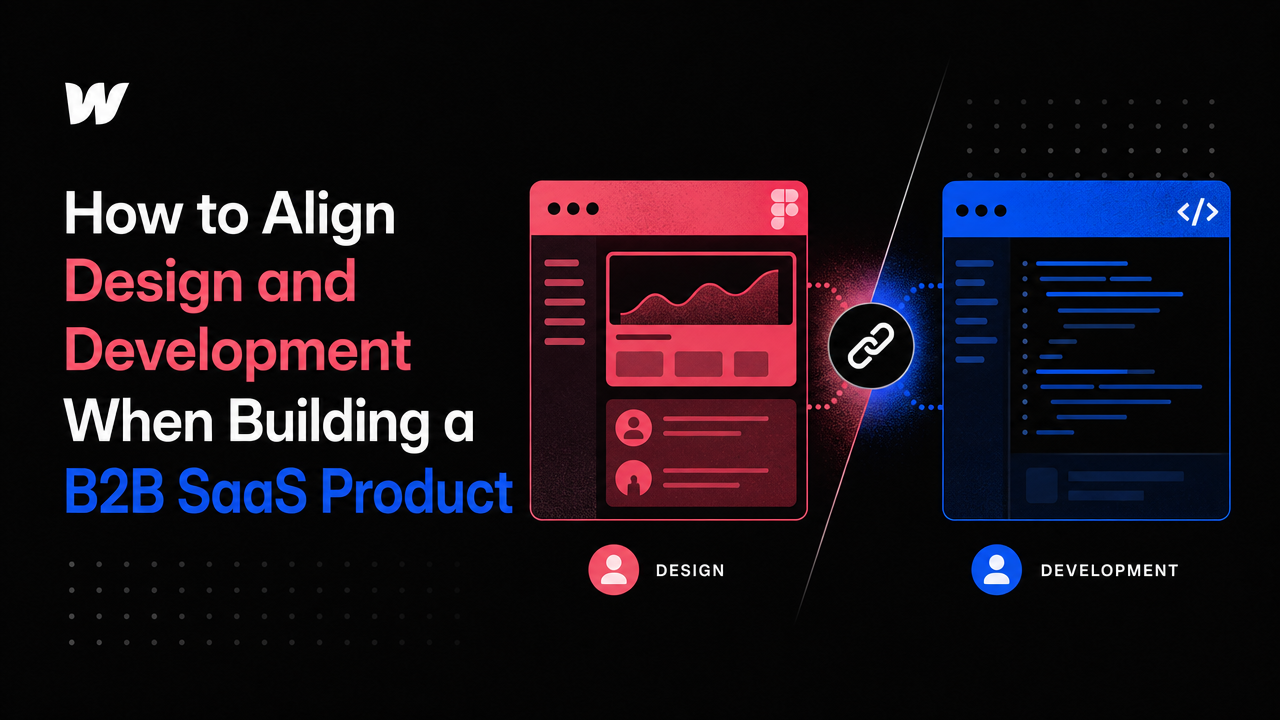
Design and development split early at most startups, and it costs them months of rework.
When your team is under 20 people, the designer and developer often work in isolation. The designer creates high-fidelity mocks in Figma. The developer builds from a handoff document. Three weeks in, you realize the interactions don't work as intended, the component library has gaps, and the database schema doesn't match the flow you designed. By then, you've burned budget and momentum you can't afford to lose.
This gap between design and development is the reason why some early-stage SaaS products launch feeling rough, even when both disciplines were executed well individually. The Small Square operates differently—design and development are woven together from the first sprint, not treated as sequential phases. That alignment is what separates a product that sells itself from one that just ships.
The Cost of Separation
Many early-stage founders assume design and development handoff naturally: designer finishes, developer starts building. But in practice, that model creates friction at three critical points.
Interaction complexity
A designer might specify a dropdown that filters a dashboard in a certain way, but they don't know if that interaction pattern will perform well at scale with real data. A developer building the backend may find the query required to support that filter pattern is too expensive. Now someone has to redesign it mid-sprint. Small teams can't absorb that cost.
Component inconsistency
Without live collaboration, the component library—the single source of truth for buttons, inputs, and form patterns—diverges. The designer built thirty components in Figma. The developer built twenty-five, with slightly different spacing and stroke widths. When you add a new feature, both teams guess which version is "right." Two months in, your product feels fragmented.
Scope creep on trivial details
The designer ships a spec with ten different button states (default, hover, active, disabled, loading, error, success, focus, visited, disabled-with-tooltip). The developer asks which ones are actually needed. The designer can't remember. A fifteen-minute conversation becomes a two-day detour into edge cases that don't matter yet.
How Alignment Saves Time and Budget
When design and development happen in parallel—not in sequence—decisions get made once, correctly, with input from both sides.
Start with constraints, not aesthetics
Before any interface is designed, the team agrees on technical constraints: How many users will this dashboard serve at launch? What's the data refresh rate? What device types are we shipping for? A designer working in this context makes better decisions because they're solving a real problem, not a theoretical one. A developer reviewing the design already knows the trade-offs being made.
Design in code early
Tools like Framer website development company services let designers build interactive prototypes that work like actual code. When you're designing the checkout flow or a settings panel, building it in Framer instead of Figma means the developer inherits a working prototype, not a static mockup. They're not translating—they're iterating. This cuts the build-to-design phase from weeks to days.
Shared component language
If design and development use the same tool for defining components—whether that's a design token file, a component storybook, or a Webflow library—there's one source of truth. The button that exists in Figma is the exact same button in production. No translation layer. No guessing. When you need a new variant, both teams can see the ripple effects instantly.
Practical Moves for Small Teams
Hold a design-dev sync before you spec anything. Spend two hours at the start of a feature talking through what the user is trying to do, what the system constraints are, and what the hardest technical problem might be. The designer and developer should emerge with the same mental model.
Build the first feature together in a shared tool. If you're using webflow development agency services, the designer and developer should both have Webflow editor access during development. They're not handing off—they're collaborating.
Document decisions, not just designs. When you decide that your form inputs will have a 32px height instead of 40px, write down why: maybe it's because of mobile spacing, or because your users are on older browsers, or because of your data table row height. Next time someone wants to change it, they'll understand the constraint and think before moving it.
When to Bring in a Partner
Early-stage SaaS teams often can't afford dedicated design and development staff who communicate seamlessly. That's where a partner like The Small Square makes a difference. When you hire a firm that handles both saas website development and design under one roof, the alignment is built into the process. The designer and developer are already speaking the same language because they're part of the same team.
This matters most in the pre-product-market fit stage, when you're iterating rapidly and every cycle counts. A month of confusion between design and development can be the difference between shipping an MVP that resonates and one that needs a full redesign three months later.
The Product That Ships
Products that sell themselves don't happen by accident. They're the result of decisions made early, together, with both the designer and developer asking: What is the user actually trying to do here? What is our system capable of? What can we trim without breaking the flow?
When design and development are aligned from day one, you ship faster, with fewer pivots and less wasted work. That's the foundation of a SaaS product that competes on quality, not just novelty.



Accepted Payments


