Create design screenshots in seconds!
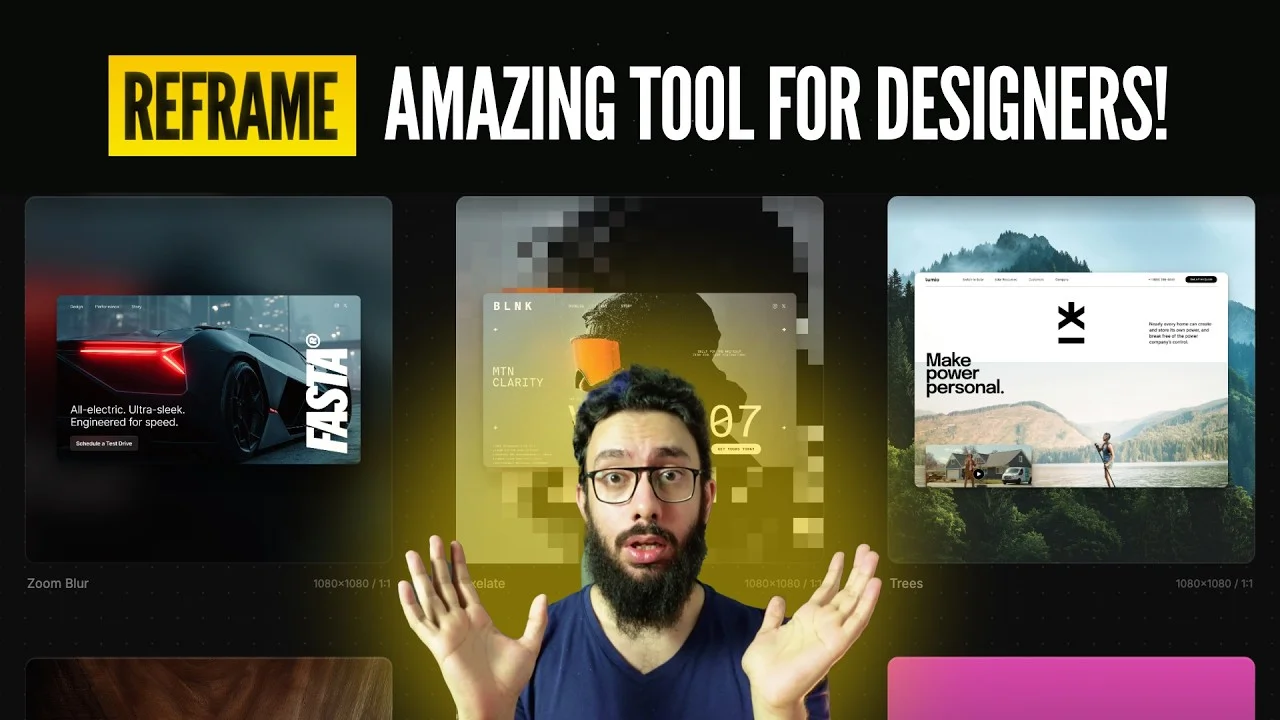
In today’s fast-moving digital world, designers and creators constantly share their work on different social media platforms like X (Twitter), Instagram, LinkedIn, and portfolio websites. However, one common challenge many designers face is properly formatting design screenshots for multiple platforms.
Each social platform has a different aspect ratio and layout requirement. Manually resizing, cropping, and formatting screenshots can take a lot of time.
But what if you could create perfectly formatted design screenshots in seconds?
That’s exactly where a simple yet powerful tool called Reframe comes in.
What is Reframe?
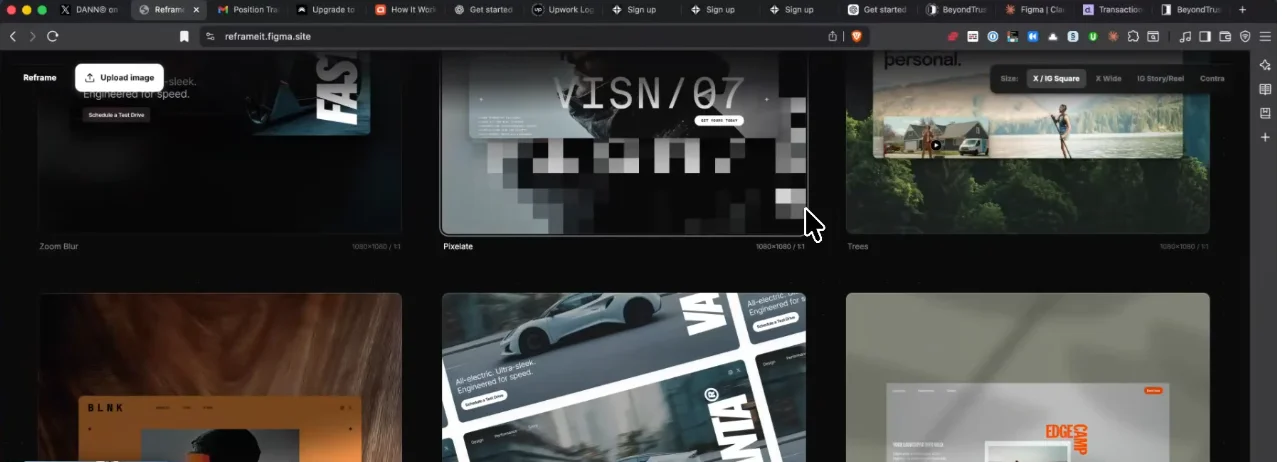
Reframe is a simple design tool created by Dan Petty during the Figma Makeathon. The tool allows designers to quickly transform their design screenshots into beautifully formatted images optimized for multiple social media platforms.
Instead of manually creating separate layouts for every platform, Reframe automatically generates multiple formats for you.
This makes it incredibly easy for designers, developers, and creators to showcase their work professionally.
Why Designers Need a Tool Like Reframe

Designers often want to showcase their work in the best way possible. Whether it’s:
- UI designs
- Website hero sections
- Landing pages
- App interfaces
- Portfolio projects
The problem is that posting raw screenshots rarely looks professional.
Reframe solves this problem by instantly converting your designs into clean, polished, and social-media-ready layouts.
Key Features of Reframe
1. Upload Your Design Instantly
Using Reframe is extremely simple. All you need to do is:
- Copy your design from Figma
- Paste it into the Reframe tool
Within seconds, your design appears in multiple layouts ready for export.
2. Multiple Social Media Formats
Reframe automatically generates layouts optimized for different platforms such as:
- X (Twitter)
- Instagram Post
- Instagram Story
- Instagram Reel
- Wide social previews
- Portfolio previews
This saves designers a huge amount of time when preparing content for social media.
3. Easy Design Customization
Another powerful feature is the ability to quickly adjust how your screenshot looks.
You can:
- Adjust corner radius
- Zoom in or out of your design
- Reposition the layout
- Rotate the image slightly
- Focus on a specific section of your design
This gives creators full control over how their design is presented.
4. High-Quality Export
Once your layout is ready, you can export it as a 2x high-resolution image.
This ensures your screenshots look sharp, professional, and social-media ready.
You can then:
- Upload directly to social media
- Paste back into Figma
- Use it for presentations or portfolios
Example Use Case
Let’s say your design team just created a hero section for a landing page.
Instead of manually editing screenshots in Photoshop or other tools, you can:
- Copy the hero section frame from Figma
- Paste it into Reframe
- Choose your preferred layout
- Adjust zoom or rotation
- Export the image
In less than 10 seconds, you’ll have a polished screenshot ready to share online.
The Power of Figma Make
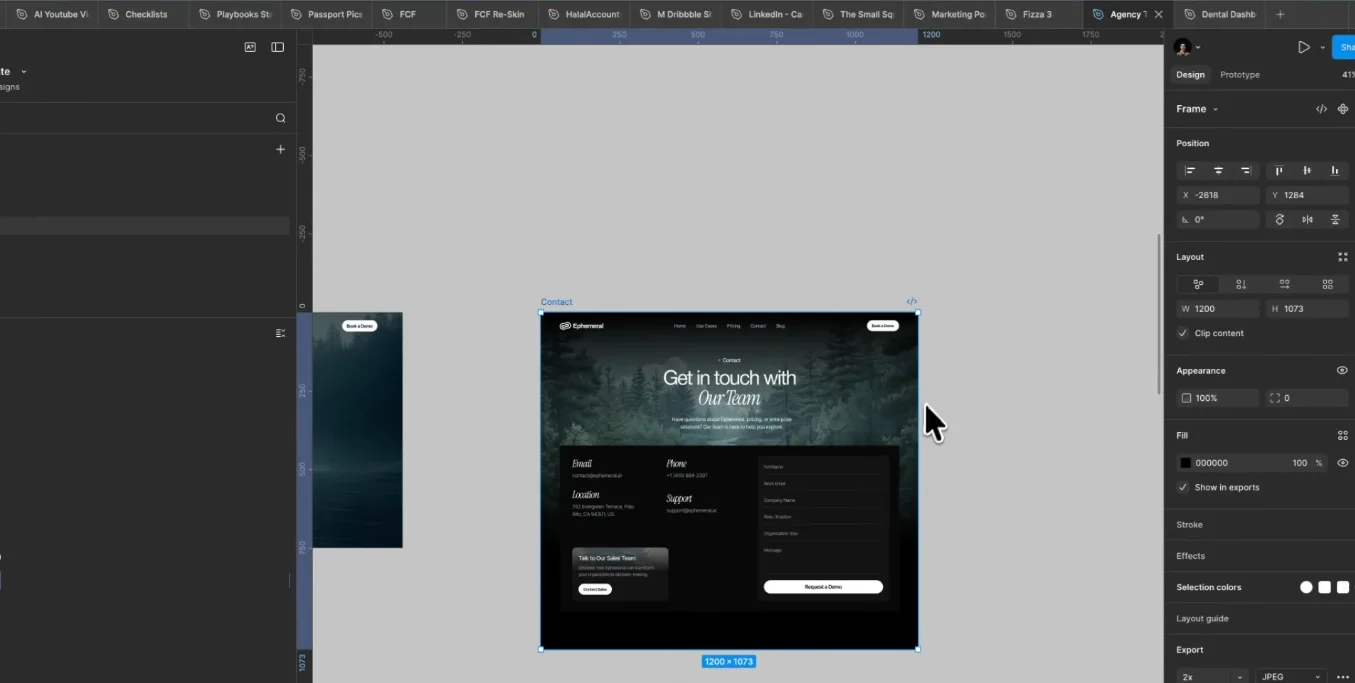
One of the most impressive things about Reframe is that it was built entirely using Figma Make.
This highlights an important shift happening in the design world.
You no longer need to be a hardcore developer to build useful tools.
With platforms like:
- Figma Make
- Cursor
- AI-powered tools
Creators can turn simple ideas into powerful products that solve real problems.
A Big Shoutout to Dan Petty
The creator of Reframe, Dan Petty, did an incredible job designing a tool that is both:
- Extremely simple
- Surprisingly powerful
The UI is clean, intuitive, and easy to use — something that many complex tools fail to achieve.
It’s hard to believe that such a polished product was created entirely inside Figma Make.
Why You Should Start Building Your Own Tools
Reframe is a great reminder that great tools start with simple ideas.
If you are a designer, developer, or creator, you should start thinking about:
- What problems do you face daily?
- What repetitive tasks waste your time?
- What simple tool could solve that problem?
With today’s technology, anyone can build useful tools that help others.
The only things you need are:
- A good idea
- The motivation to execute
- The consistency to finish what you start
Final Thoughts
Creating professional design screenshots used to take time and effort. But tools like Reframe make the process fast, simple, and enjoyable.
If you regularly share your designs on social media or portfolios, this tool can save you a lot of time while making your content look much more professional.
At The Small Square, we love exploring smart tools that help designers work faster and present their work better.
So if you’re a designer, make sure to explore tools like Reframe, Figma Make, and other modern creative platforms. You might even be inspired to build your own tool next. And who knows? Your idea could be the next big productivity tool for designers around the world.




Accepted Payments

