The Amazing Noise & Texture Plugin Figma

Modern landing pages are no longer static. Designers today are focusing on immersive visuals, animated textures, and dynamic backgrounds that instantly capture user attention. Many designers working with a webflow development agency or modern no-code tools are now using advanced plugins to speed up this process.
One plugin that has quickly gained popularity among UI and web designers is the Noise & Texture Plugin. Even though many creators have already discussed it, this guide explains how you can practically use it to create animated landing page visuals without manually designing complex effects.
What Is the Noise & Texture Plugin?
The Noise & Texture plugin is a powerful Figma tool that allows designers to generate patterns, textures, and animated visual effects directly inside their design files.
Instead of manually creating background rays, galaxy effects, gradients, or noise textures, the plugin automatically generates them in real time. This significantly reduces design effort while maintaining a premium visual appearance.
Designers can experiment with:
- Dotted textures
- Noise patterns
- Gradient effects
- Light rays (God Rays)
- Galaxy-style animations
- Wave-based visuals
All effects remain editable and customizable within Figma.
Setting Up Background Effects in Figma
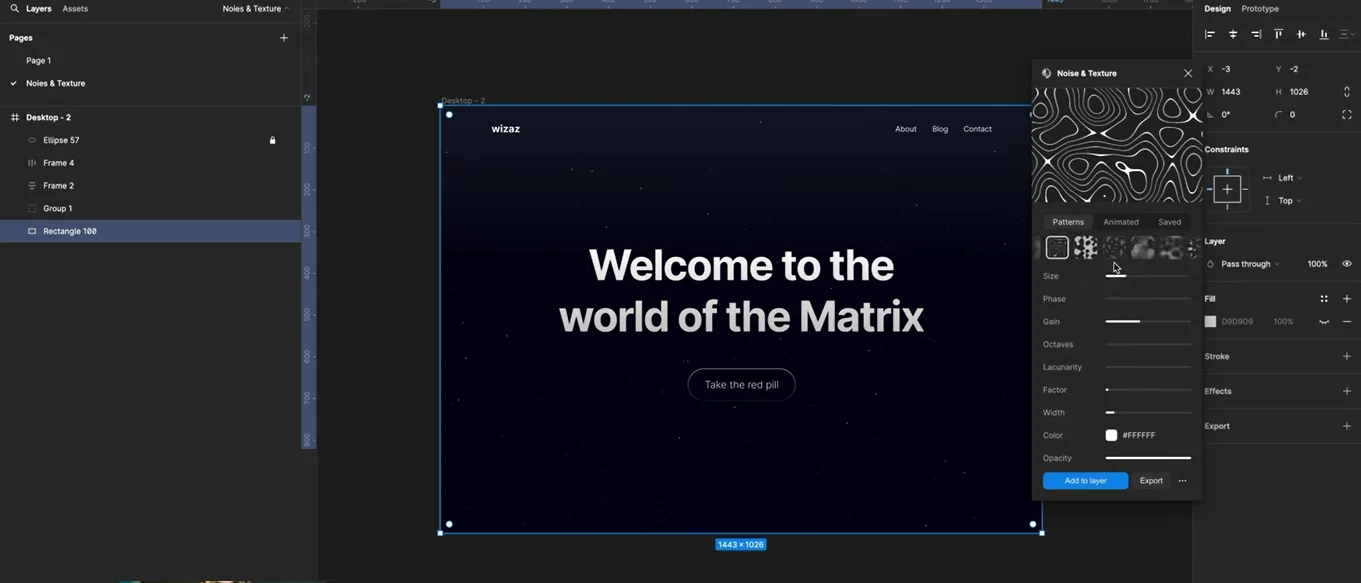
To begin using the plugin, you first create a rectangle layer that acts as your background container. This ensures that the generated texture applies only to the selected area rather than affecting your entire frame.
Once the rectangle is ready:
- Open the Noise & Texture plugin.
- Choose from available pattern styles.
- Apply the effect directly to the layer.
- Adjust opacity, color, and intensity.
The plugin works live, meaning every adjustment instantly updates your design without exporting new assets repeatedly.
Creating Animated Rays and Visual Effects
One of the most impressive features of this plugin is its animated visuals. For example, the “God Rays” effect creates light beams flowing across a landing page background.
You can control:
- Ray reach and spread
- Opacity levels
- Color matching with brand design
- Animation intensity
These effects instantly make landing pages feel modern and interactive — something commonly used in Custom Framer Website Development projects where motion design plays a major role.
Exporting Animated Effects for Webflow or Framer
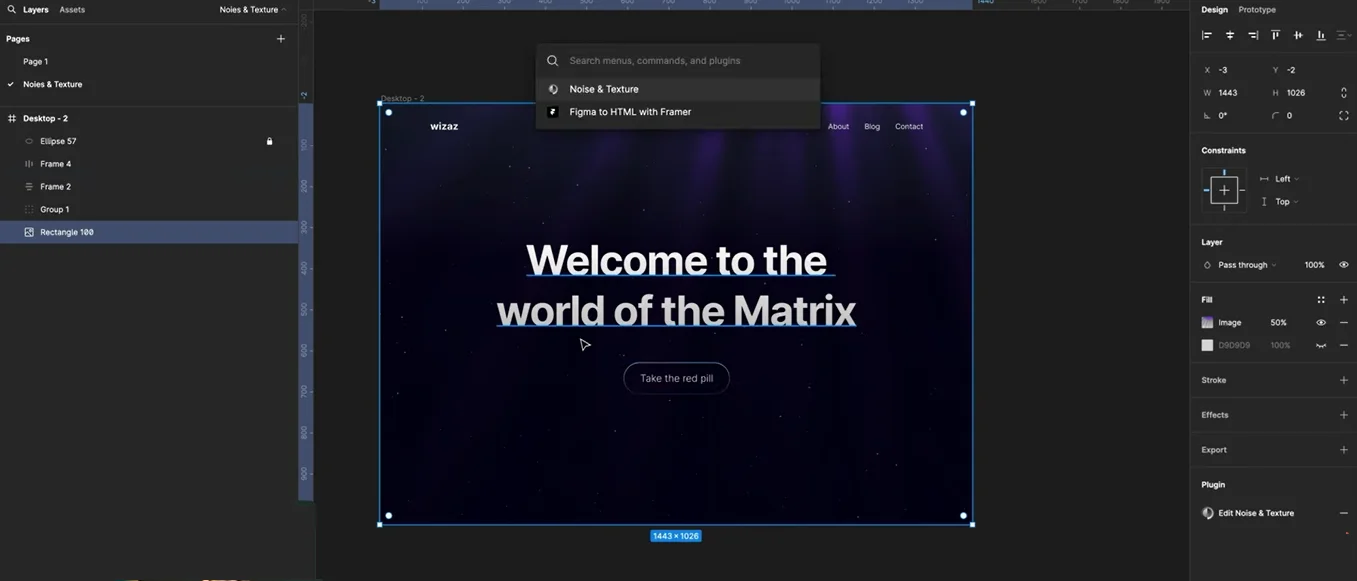
Unlike static images, the plugin allows exporting actual animation code.
Once satisfied with your design:
- Export React code or iframe embed.
- Copy the generated HTML.
- Insert it into Framer or Webflow using an embed component.
After embedding, the animation becomes fully live on your website rather than appearing as a flat background image.
You can also modify width and height settings to ensure responsiveness by setting values to 100% so the effect adapts to screen size automatically.
Managing Layer Position & Visibility
After embedding the animation:
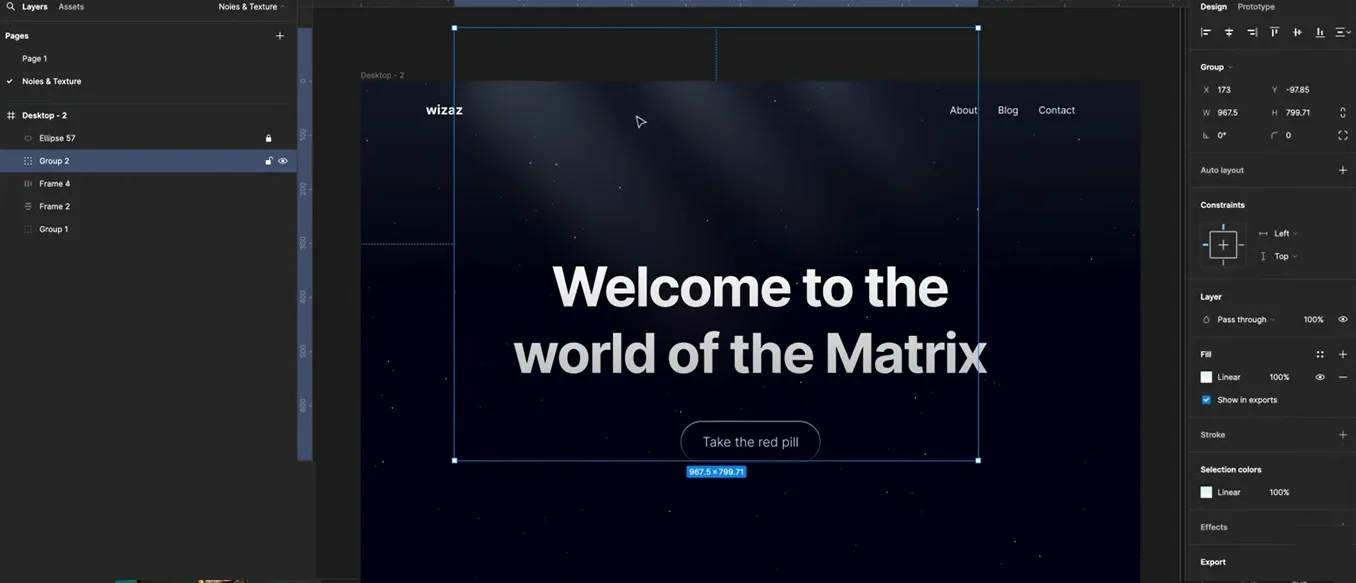
- Place the effect behind your content layer.
- Adjust opacity for subtle visuals.
- Group elements correctly so background fills do not override animations.
This step ensures readability while maintaining visual depth — a key principle in modern UI/UX design.
Exploring Additional Noise & Galaxy Effects
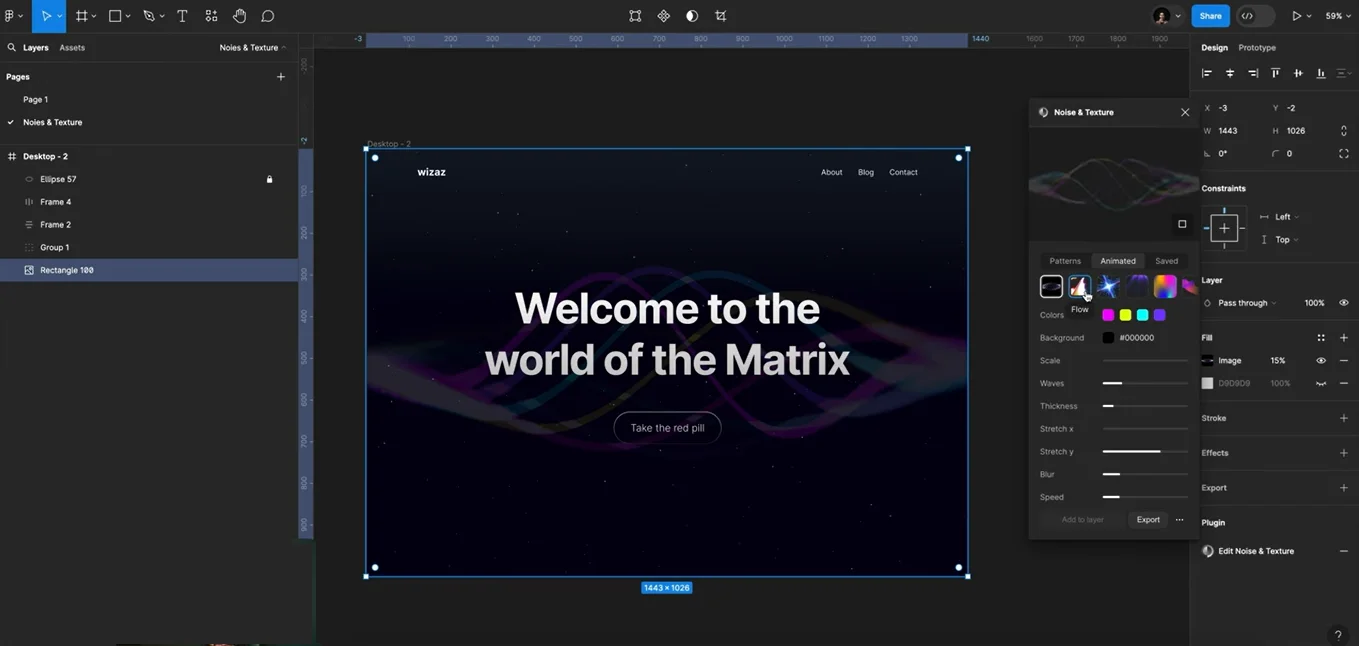
Beyond light rays, the plugin includes several advanced visuals such as flowing waves and galaxy-inspired motion backgrounds.
These styles work especially well for:
- SaaS landing pages
- Startup websites
- Portfolio designs
- Dark-themed interfaces
- Product launch pages
Because animations are code-based, performance remains smooth compared to heavy video backgrounds.
Why Designers Are Using Noise & Texture Plugins
The biggest advantage is efficiency. Designers no longer need to manually animate backgrounds or rely on third-party motion tools.
Benefits include:
- Faster workflow
- Real-time customization
- Lightweight animations
- Easy integration with modern builders
- Professional visual output
This makes it an excellent solution for agencies and designers building high-conversion landing pages.
Final Thoughts
The Noise & Texture plugin opens new possibilities for creating visually engaging and animated web experiences without complex development work. Whether you’re designing in Figma or exporting directly into Framer or Webflow, the workflow remains simple yet powerful.
At The Small Square, we continuously explore modern design tools and animation techniques to build visually engaging digital experiences that combine creativity with performance-driven web design.



Accepted Payments

