AI Agents and the Future of Work: How Claude Co-work is Changing Productivity

Technology has always reshaped how people work. Every generation experiences a moment when traditional methods suddenly feel outdated because new tools make tasks easier and faster. Today, artificial intelligence is playing that role.
Many professionals are now exploring AI-powered workflows to reduce repetitive work and focus more on creative and strategic tasks. One of the emerging solutions in this space is Claude Co-work, an AI workspace designed to help users complete real tasks rather than just provide suggestions.
Understanding AI Agents in Simple Words
Most people are familiar with AI assistants that answer questions or provide guidance. However, AI agents are different.
An AI assistant helps you decide what to do.
An AI agent actually performs the task for you.
The shift from assistance to action is what makes modern AI automation powerful.
For professionals who handle repetitive digital tasks every day, this change can save significant time.
What is Claude Co-work?
Claude Co-work is an AI-powered workspace that integrates chat-based interaction with automation capabilities.
Instead of switching between multiple applications, users can manage tasks directly inside a single interface.
Some of the main capabilities include:
- Accessing local files and folders
- Browsing and analyzing websites
- Creating reports and documents
- Connecting external services
- Running automation workflows
The core idea is simple — describe the result you want and let the system handle the execution.
Automatic File Organization

Many people struggle with messy computer folders where important files are difficult to find.
Claude Co-work can help by scanning directories and organizing files automatically.
The process works like this:
- The system reads file types and metadata
- Similar files are grouped together
- New folders are created when needed
- Files are moved in real time
This feature can turn a cluttered downloads folder into a structured workspace in minutes.
Website Analysis and Conversion Audit
Another useful application is website content analysis.
By connecting the browser extension, the AI system can read real web pages instead of generating generic advice.
The audit process may include:
- Reviewing landing page structure
- Checking call-to-action placement
- Evaluating social proof elements
- Identifying mobile usability issues
- Examining form optimization
Businesses often spend money on consultants for similar analysis, but AI tools are making this process faster and more accessible.
Data Visualization from Raw CSV Files
Turning raw data into meaningful insights is a common challenge for analysts.
With AI workflow tools, users can upload datasets and request dashboard generation.
The system may:
- Study data patterns
- Create research questions automatically
- Select appropriate chart types
- Generate visualization code
- Build interactive dashboards
Charts are usually chosen based on data comparison needs. For example, bar charts are commonly used when comparing categories, while KPI cards help summarize key metrics for quick executive review.
Video Editing Automation for Content Creators
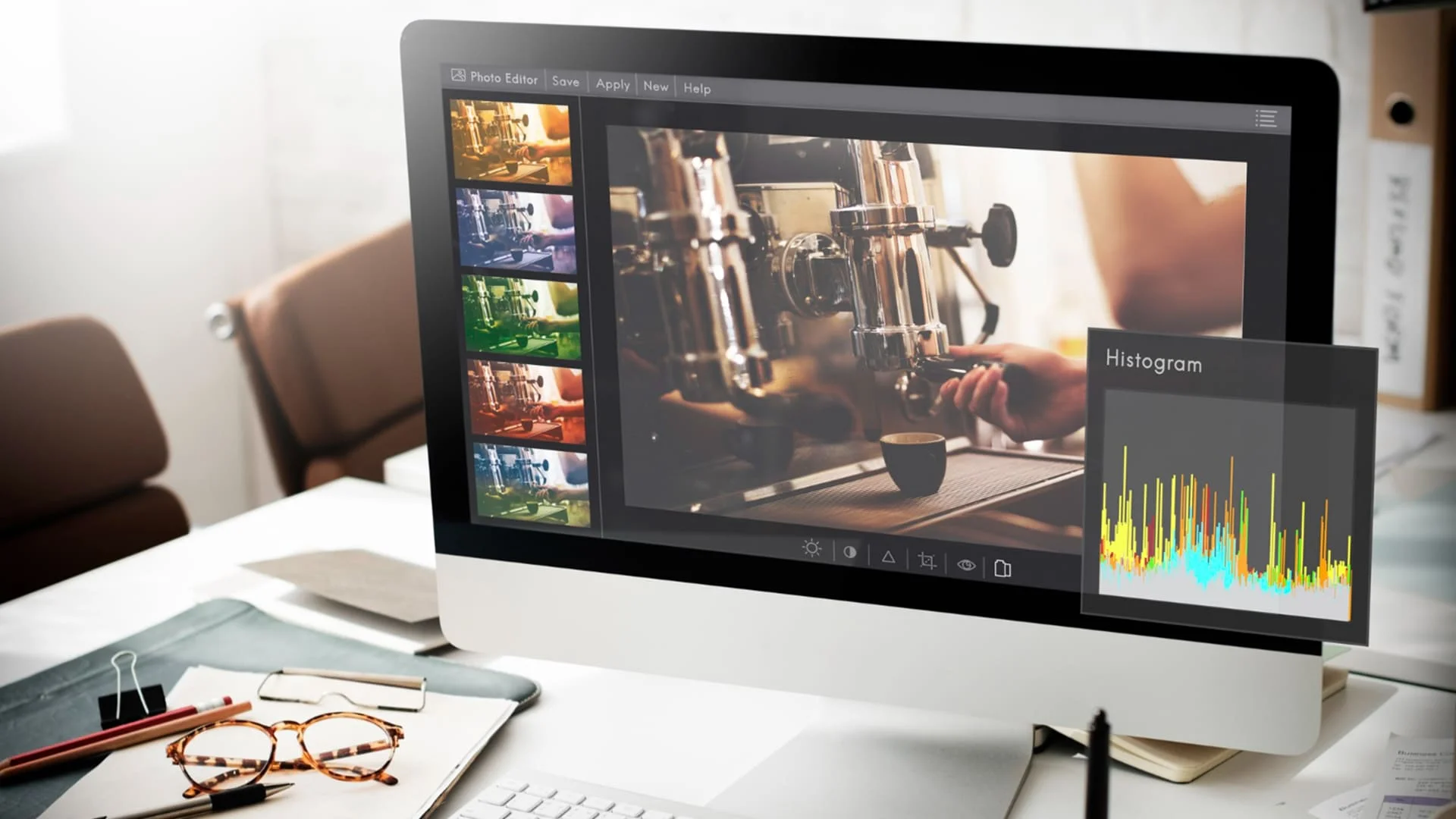
Content creation often involves time-consuming editing work.
AI workflow plugins can simplify this process by:
- Analyzing video transcripts
- Identifying important segments
- Selecting optimal clip timing
- Generating short-form content hooks
- Creating thumbnail suggestions
Professional encoding tools such as FFmpeg can even run automatically in the background to process clips at precise timestamps.
The user simply reviews the suggested output and approves the workflow.
Plugin Architecture and External Tool Integration
One of the most interesting developments is the plugin system.
Plugins allow AI workflows to connect with external applications such as:
- Image generation platforms
- Customer relationship management tools
- Spreadsheet software
- Project management systems
- Marketing automation platforms
Instead of managing multiple logins and interfaces, everything can be controlled from one conversation window.
The Concept of Saved Workflows
A useful feature of modern AI systems is the ability to save workflows.
This is similar to training a new team member.
The first time, you explain the process in detail.
After that, you simply use the workflow name, and the system understands what needs to be done.
This approach is especially helpful for tasks performed on a weekly or monthly basis, such as reporting, competitor analysis, or marketing audits.
Why AI Workflow Automation Matters
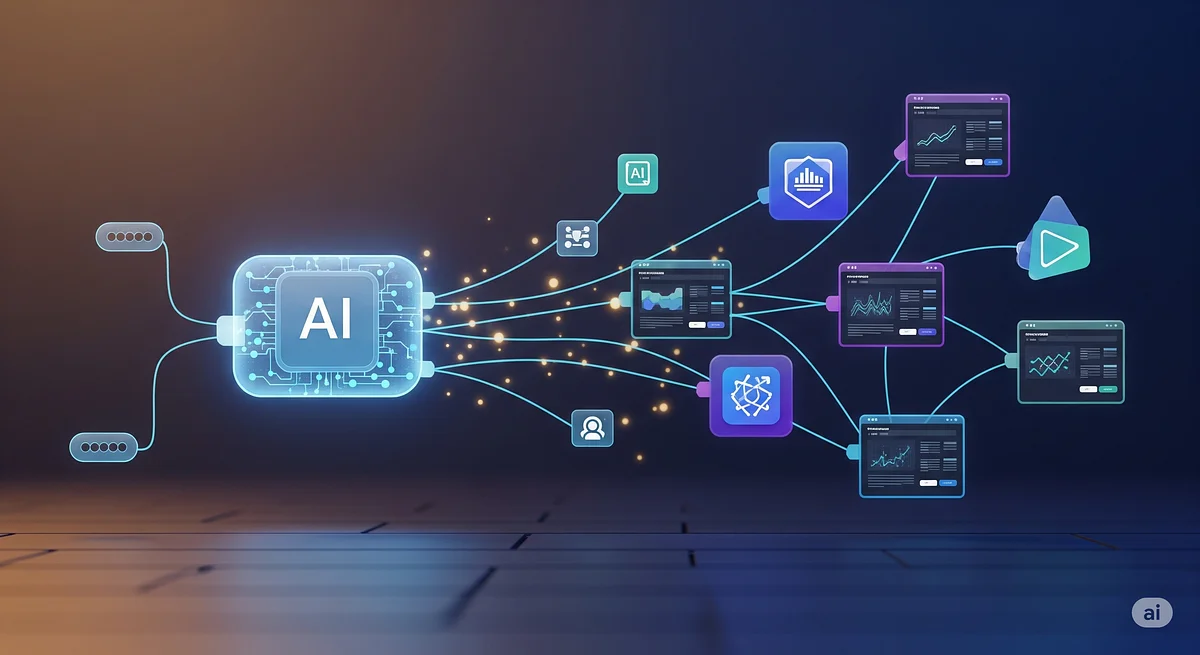
AI automation is becoming important for professionals across industries.
Key benefits include:
- Reduced manual workload
- Faster reporting and analysis
- Better decision-making support
- Consistent output quality
- Time efficiency
People who learn to work with AI workflows early may gain an advantage in future digital workplaces.
Conclusion
Artificial intelligence is moving beyond simple chat-based tools. Modern AI agents are beginning to act as digital workers that can execute tasks across files, browsers and external applications.
From file organization to video editing and business analytics, AI automation is shaping the future of productivity.
Learning from The Small Square that how to use AI workflow systems today may help professionals stay competitive as technology continues to evolve.




Accepted Payments

